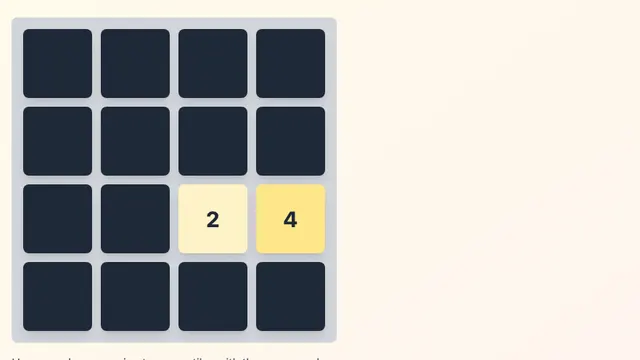
2048
An addictive sliding puzzle game, aim to reach the 2048 tile
Puzzle4.7
Classic Logic Reasoning Game
Click any square to start your Minesweeper journey
An addictive sliding puzzle game, aim to reach the 2048 tile
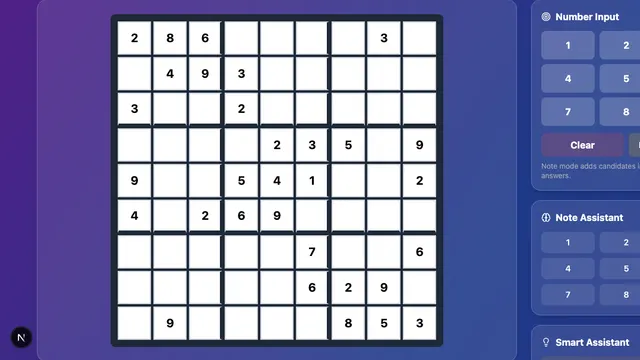
Fill the 9×9 grid so every row, column, and box holds the digits 1 to 9, from Beginner to Grandmaster.
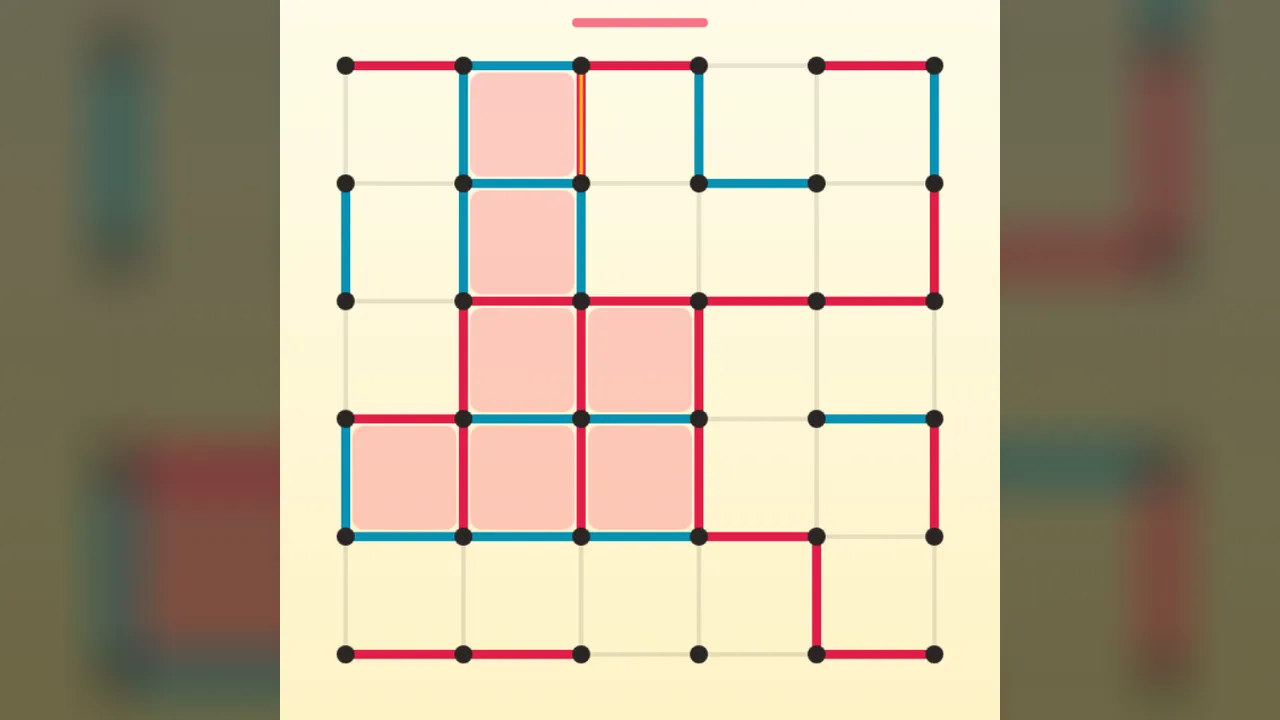
The pen-and-paper classic: draw lines, close boxes, and take an extra turn every time you do
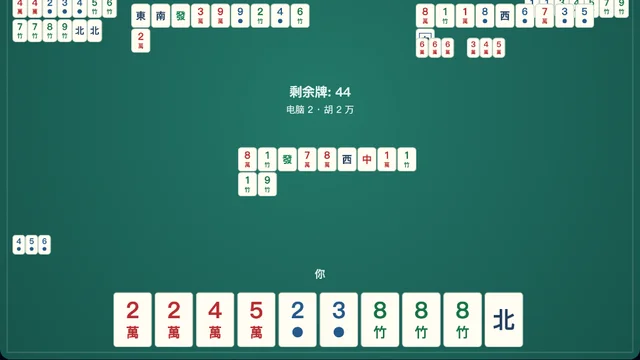
Play a quick round of simplified Mahjong against three CPU opponents. Chow, pung, kong, win on a discard or self-draw, and build seven pairs.
Minesweeper is a logic puzzle hidden inside a grid of covered squares. Reveal every safe square without clicking a mine. Each number tells you how many mines touch that square, and with careful reasoning you can clear most boards without guessing.
On a computer, left-click to reveal a square and right-click to place or remove a flag. On a touch screen, tap to reveal and long-press to flag.
Minesweeper traces its roots to mainframe games of the 1960s and 1970s. It reached a huge audience when a version was included with Windows 3.1 in 1992, and it has been a standard way to pass a few minutes ever since.
Mostly not. Nearly every move can be worked out from the numbers. Guessing is only needed occasionally, when the information runs out.
Long-press a covered square to place or remove a flag.
Beginner, Intermediate, and Expert use the classic sizes, and Custom lets you choose your own. Our Minesweeper tips guide explains the key number patterns.