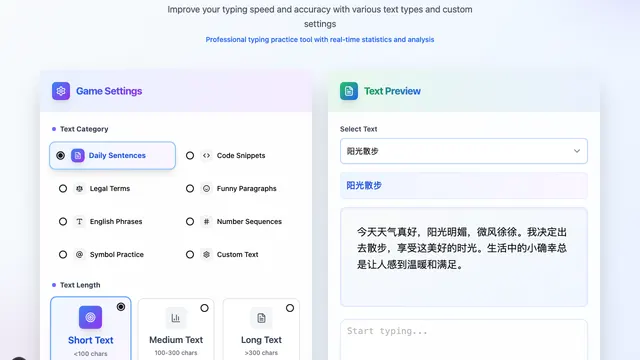
Fast Typing
Typing practice with live speed and accuracy stats on sentences, code, or your own text.
Educational4.7
Type the letters on the rising balloons before they float away.
Press Enter or Space to start
Typing practice with live speed and accuracy stats on sentences, code, or your own text.
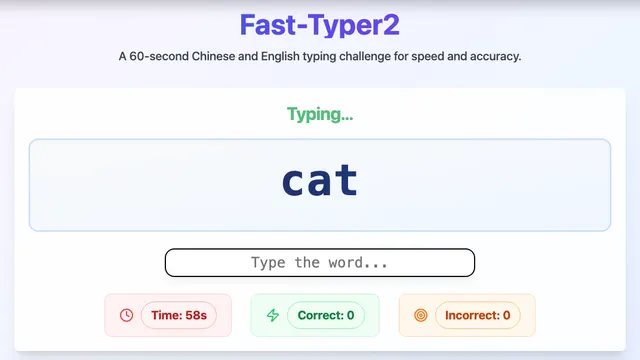
A 60-second word sprint in English or Chinese pinyin mode.
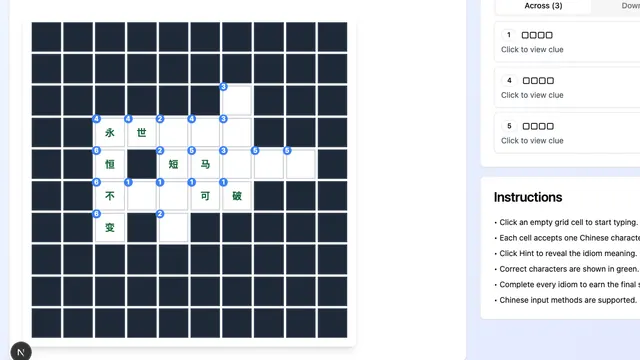
A crossword built from four-character Chinese idioms with meaning hints.
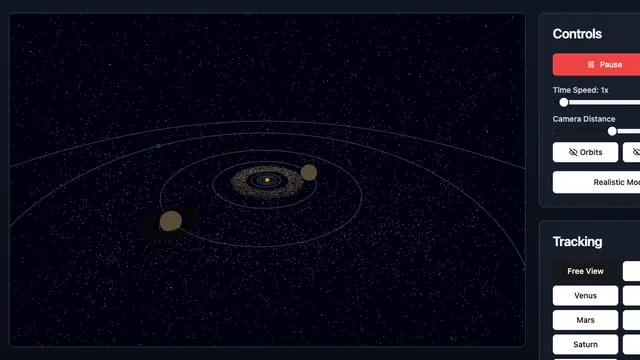
Explore an interactive 3D model of the planets, their orbits, and the speed of time.
Balloon Typing turns keyboard practice into an arcade game. Balloons carrying letters float up the screen, and you pop each one by pressing its key before it drifts away. It is a playful way for kids and beginners to learn where the keys are.
Use your physical keyboard to type letters. Start the game with the mouse or a tap.
Letter-shooting games have been used to teach typing since early educational software in the 1980s. Turning each key into a target makes the practice feel like play, which helps learners stick with it.
Yes. It teaches key positions through a simple game and is a good first step before practicing full words.
The game is designed for a physical keyboard, so a computer or a tablet with a keyboard works best.
Move on to Fast Typing 2 for whole words, then Fast Typing for full sentences.
Each balloon carries a single letter, so the game drills the letter keys across the whole keyboard. It is ideal for learning finger positions before moving on to typing full words and sentences.